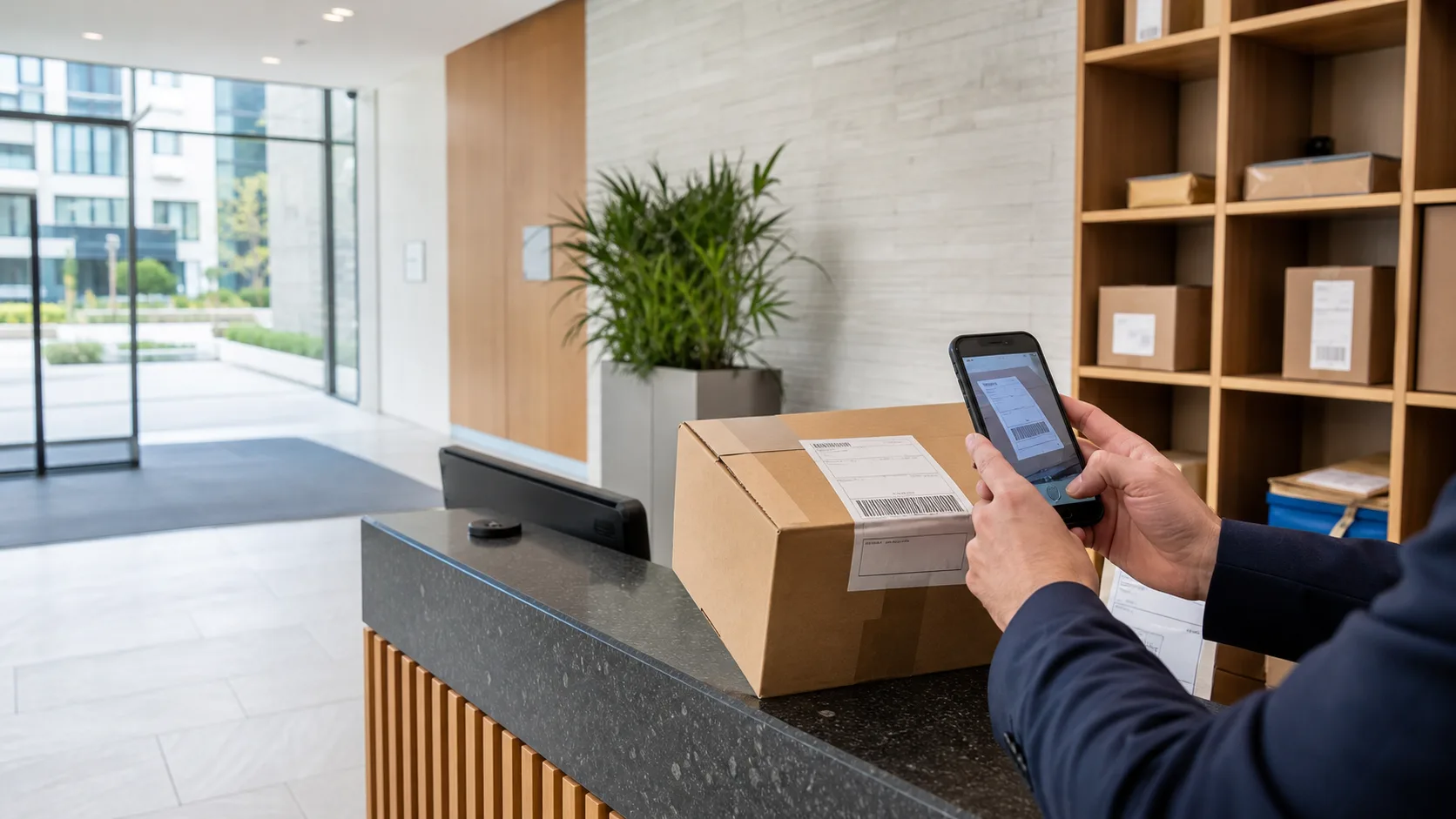
Key Desk
Key management software for UK residential buildings and concierge teams.
Replace the key log book with digital hand-in and hand-out: every set, fob and master key recorded against the person, purpose and signature — on the device the desk already has.
No key cabinet or hardware required for a staffed desk. Runs on supported iOS and Android devices.
The problem
The key log book fails exactly when it matters.
A paper key book records what happened after it happens — if anyone remembered to fill it in. The questions that actually matter — who has the flat key right now, did the cleaner return theirs, which contractor left with the plant-room key — are usually answered from memory. Most key-management products solve this with hardware cabinets costing thousands per building. For a staffed residential desk, the answer is simpler: software that records the custody chain as it happens.
- Digital hand-in and hand-out
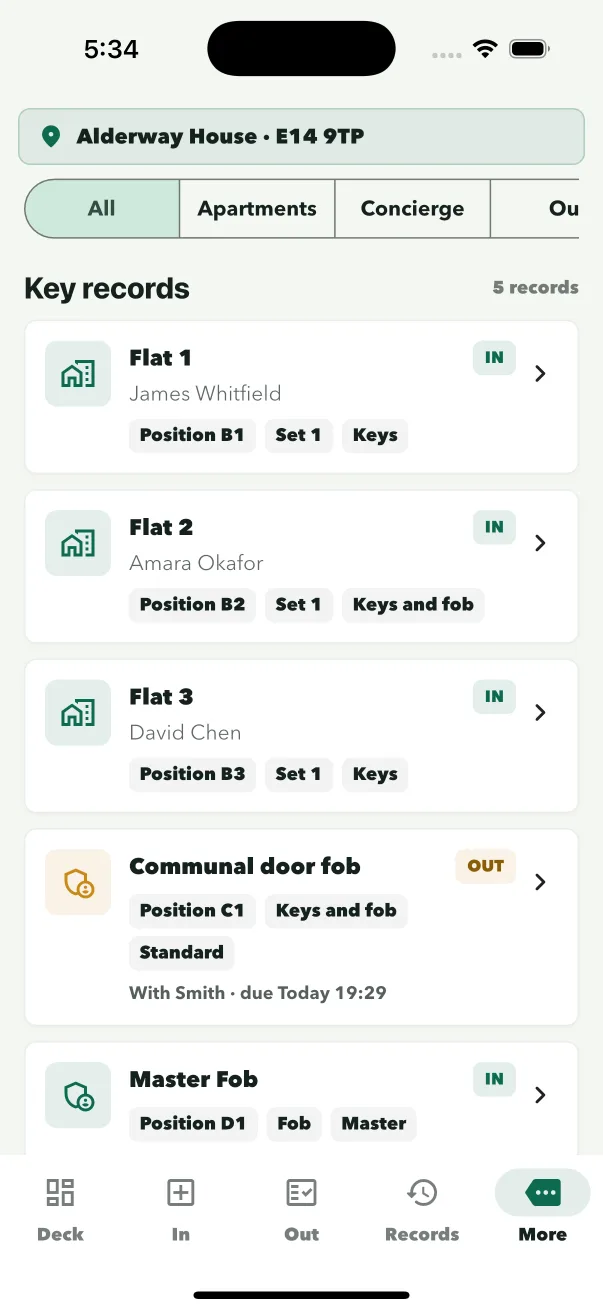
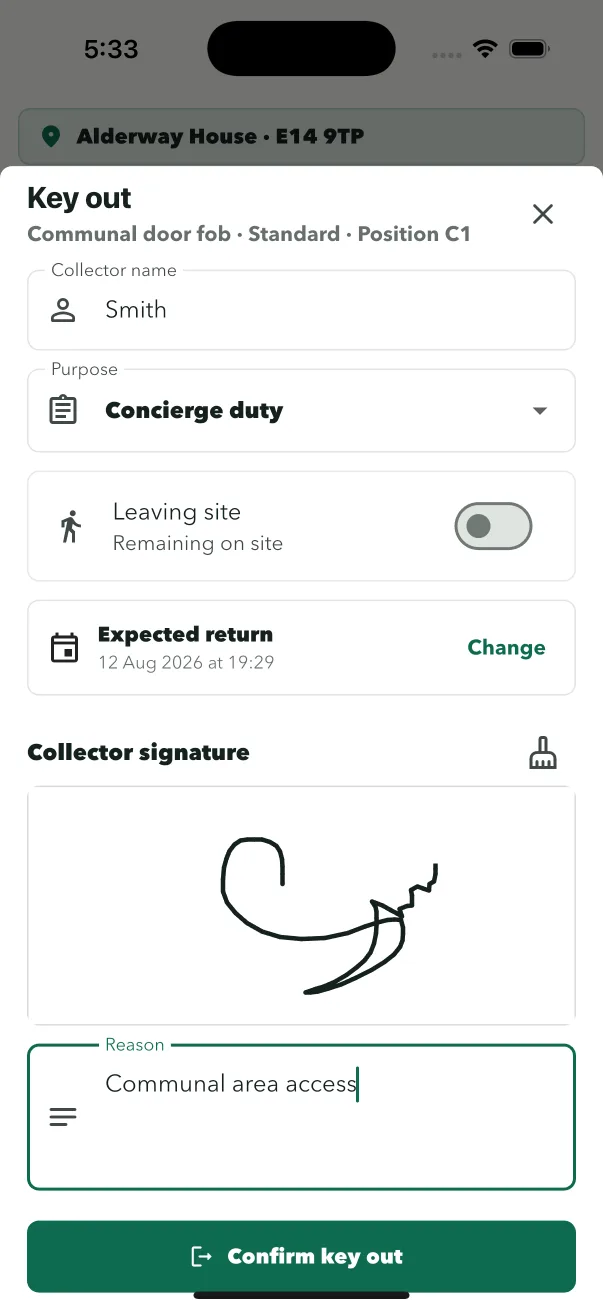
Every key and fob movement is recorded against the person and the staff member on duty.
- QR key tags
Print a small anonymous tag for any set or fob an iPhone cannot read — scanning records it on any supported device.
- PIN-protected release
Restricted and master keys require the duty staff member’s PIN, so high-risk access is deliberate.
- Live custody view
The desk sees what is held, by whom, and the full history of each set.
Software vs hardware
Software beats a key cabinet for a staffed desk — and costs a fraction.
Key cabinets and smart lockers (Traka-style systems) solve an unstaffed problem: releasing keys when no one is there. A staffed concierge desk has the opposite situation — someone is always there, but the paper trail is untrustworthy. Key management software gives that desk an audit trail without the hardware bill: no cabinet installation, no per-locker costs, no maintenance contract.
Who it is for
Built for the buildings that hold the most keys.
Build to Rent schemes hold flat sets, communal doors, plant rooms and contractor access — sometimes hundreds of keys. Managing agents standardise custody across every block in a portfolio. Concierge teams in single buildings replace the dog-eared log book. In every case, the same site sign-in, staff profiles and audit trail apply.
- Build to Rent
- Residential blocks
- Property managers
Common questions
Questions about replacing the key log book.
Do we need a key cabinet to use key management software?
No. For a staffed desk, software can replace the key log book without any cabinet. Keys stay in the existing cupboard; the app records who took what, when and why, and captures a signature. Key cabinets are an option where the desk is unstaffed.
How are keys identified without barcode stickers?
ConciergeDeck scans NFC fobs where an iPhone can read them, and prints a small QR key tag for anything else — including old door fobs no iPhone can read. Tags are anonymous, with no flat or resident details printed on the keyring.
Who can release restricted or master keys?
Keys marked restricted or master only leave the desk after the staff member on duty confirms with their personal PIN, and the hand-out is recorded against their profile with a signature.
Can we see who holds a key right now?
Yes. Key Desk shows every set and its current holder at a glance, and each hand-out and return keeps the full custody history.
Does key management software also handle parcels and visitors?
ConciergeDeck does. Key Desk runs alongside Parcel Desk and the visitor log with the same site sign-in, and keys handed to a visitor are linked to that visit.
Put ConciergeDeck on the desk
Know what is held, and by whom, from day one.
Start a 30-day trial and register your first key set on the device your desk already uses.