Waiting
Without a waiting list, every resident question means a walk to the room and a search through boxes.
Guide · Parcel rooms and post rooms
A parcel room works when the desk knows what is inside it. This guide covers the routine that keeps a staffed parcel room or post room under control: intake at the door, a waiting list you can search, and collection with proof.
Where parcel rooms go wrong
Without a waiting list, every resident question means a walk to the room and a search through boxes.
Handwritten sheets get slower and less accurate on busy delivery days, which is when they matter most.
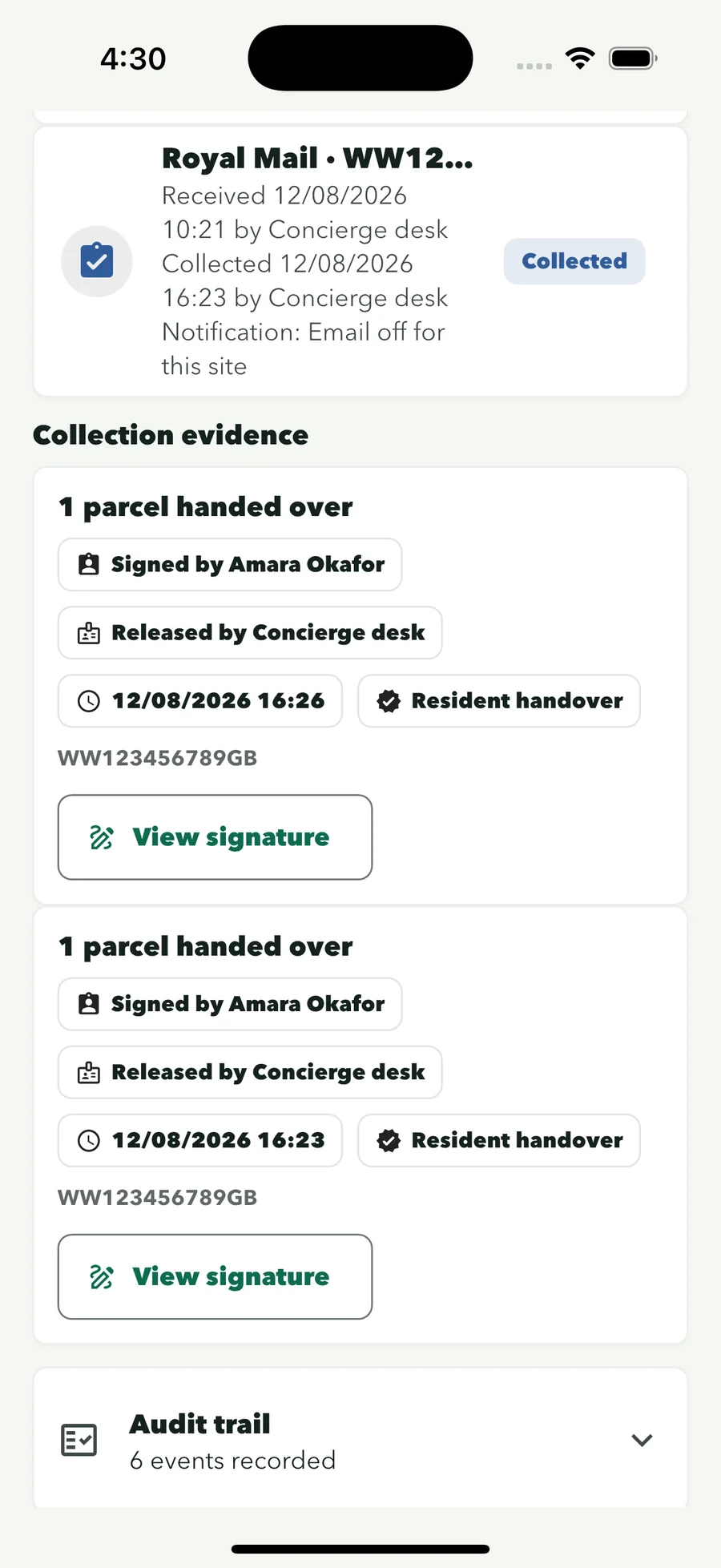
“It was definitely collected” is hard to stand behind without a name, a time and a signature.
A routine that holds up
ConciergeDeck keeps each step on the reception device and attaches it to the staff profile on duty.
Arrival
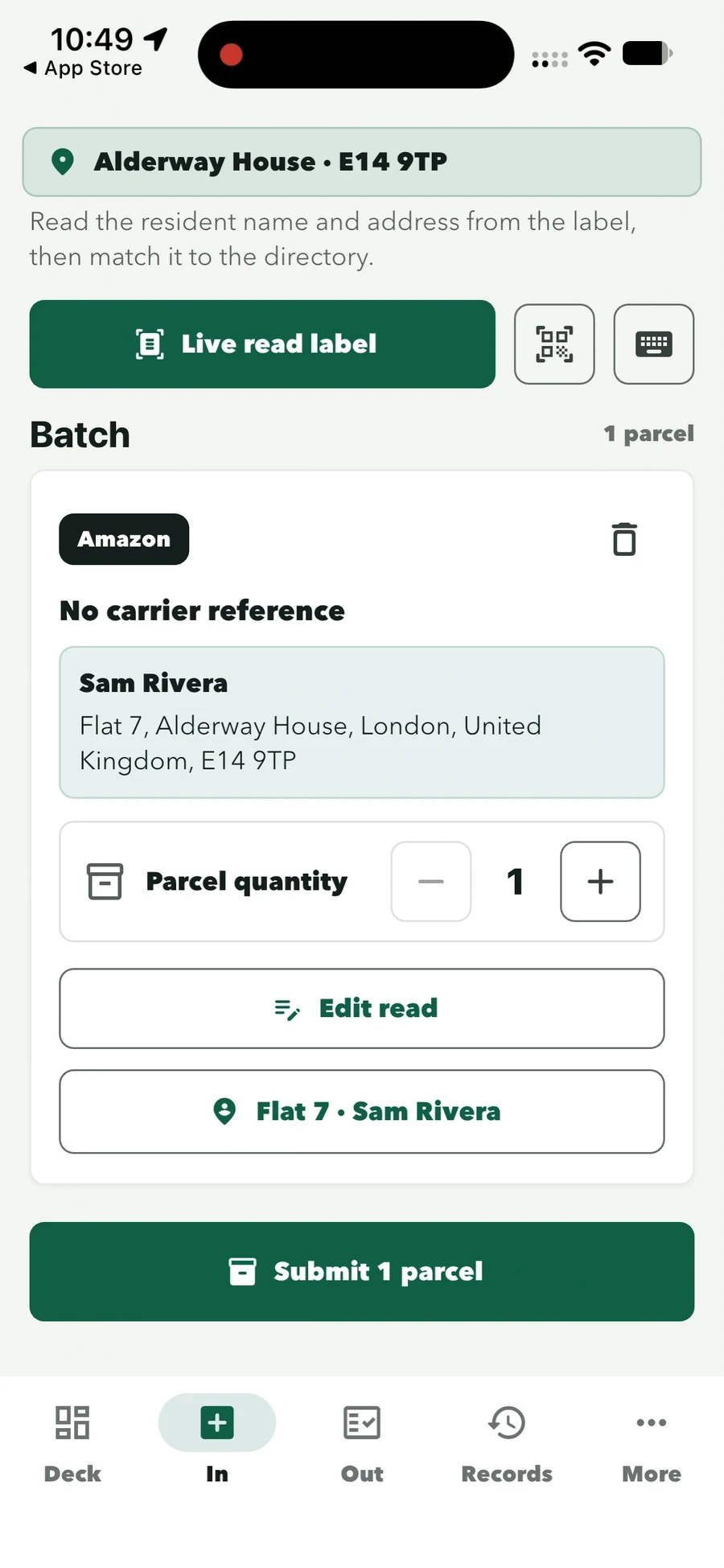
The camera reads the recipient block and suggests the matching resident.
Several parcels can be logged in one batch while the courier waits.
Shelve the parcel using your existing storage procedure. The record goes straight into the ready queue.
Collection
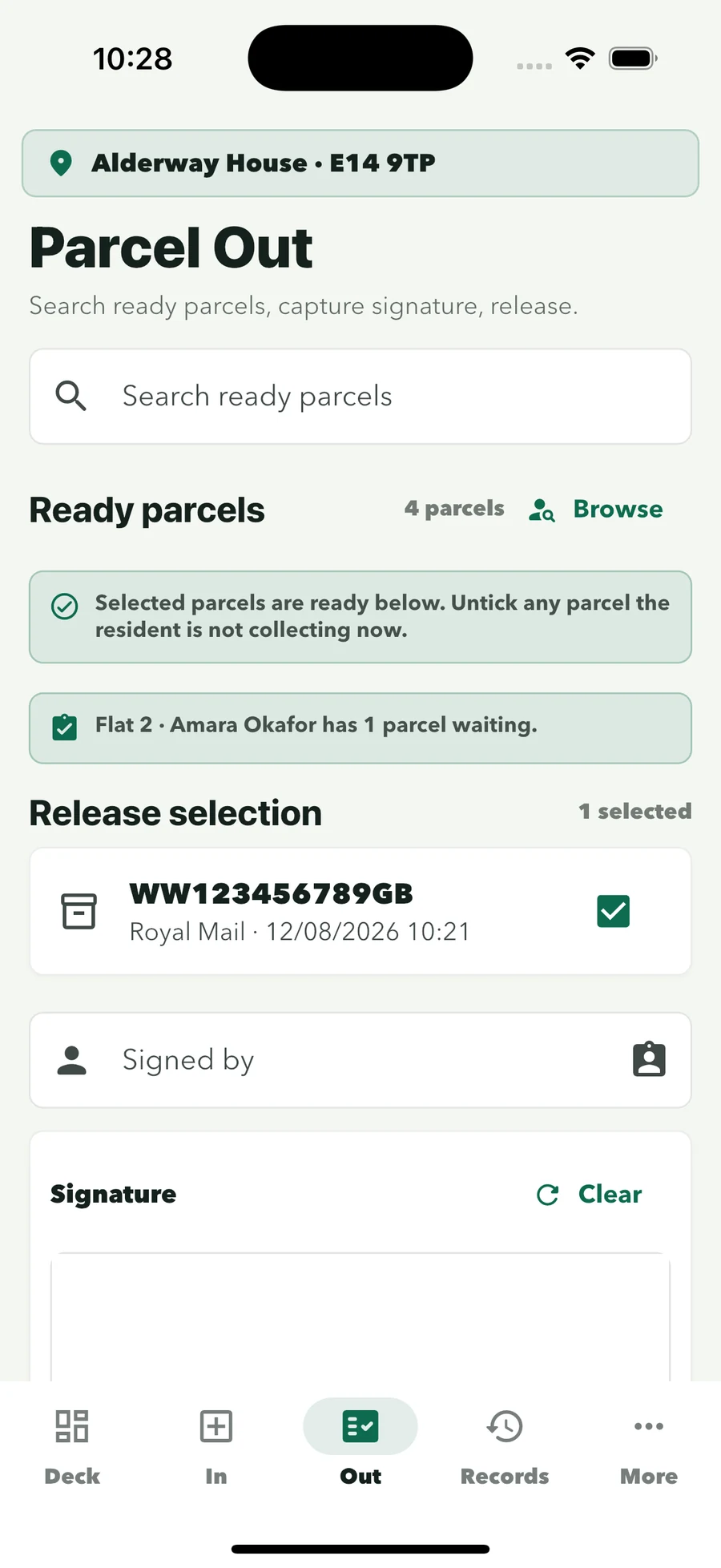
Find the resident’s parcels by name, flat or parcel details.
Multiple parcels for one household are released in a single handover.
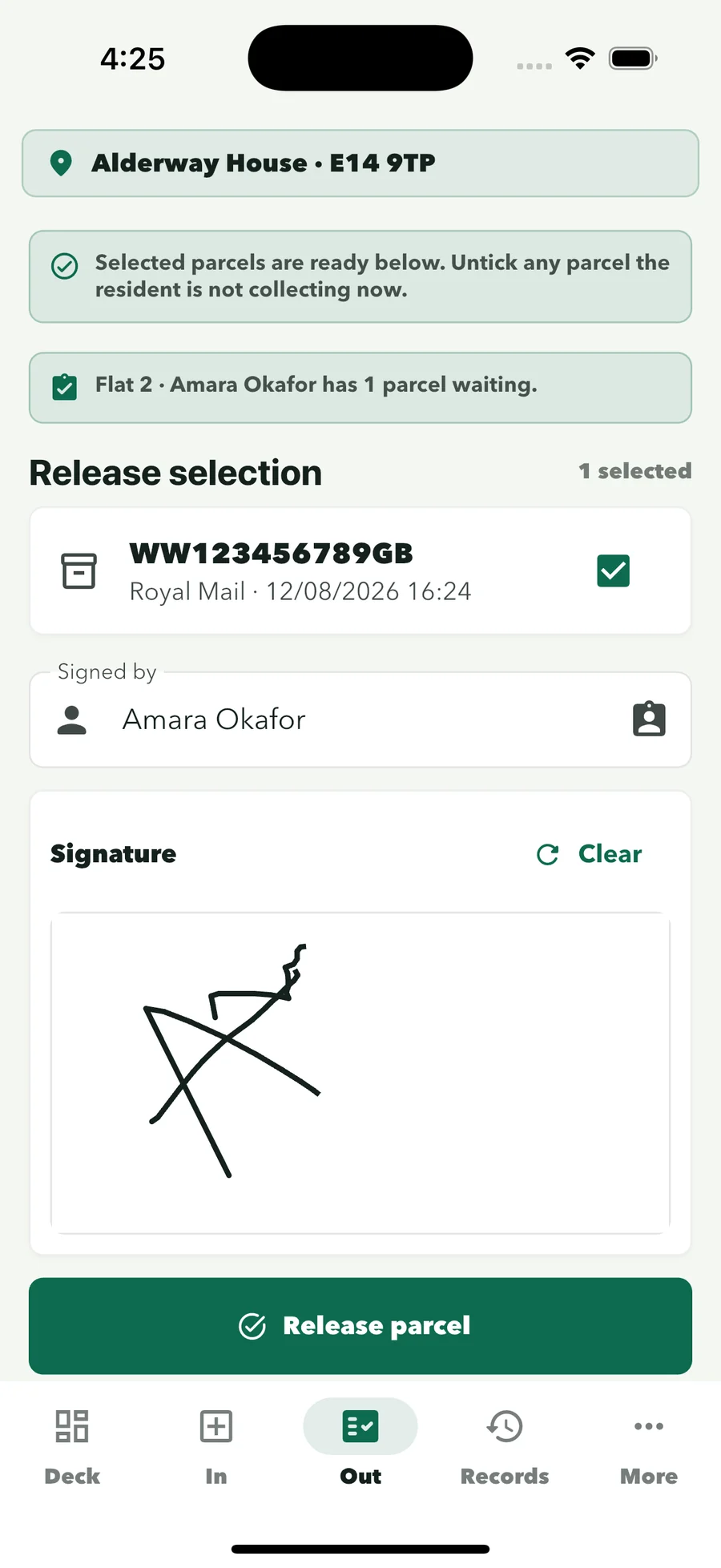
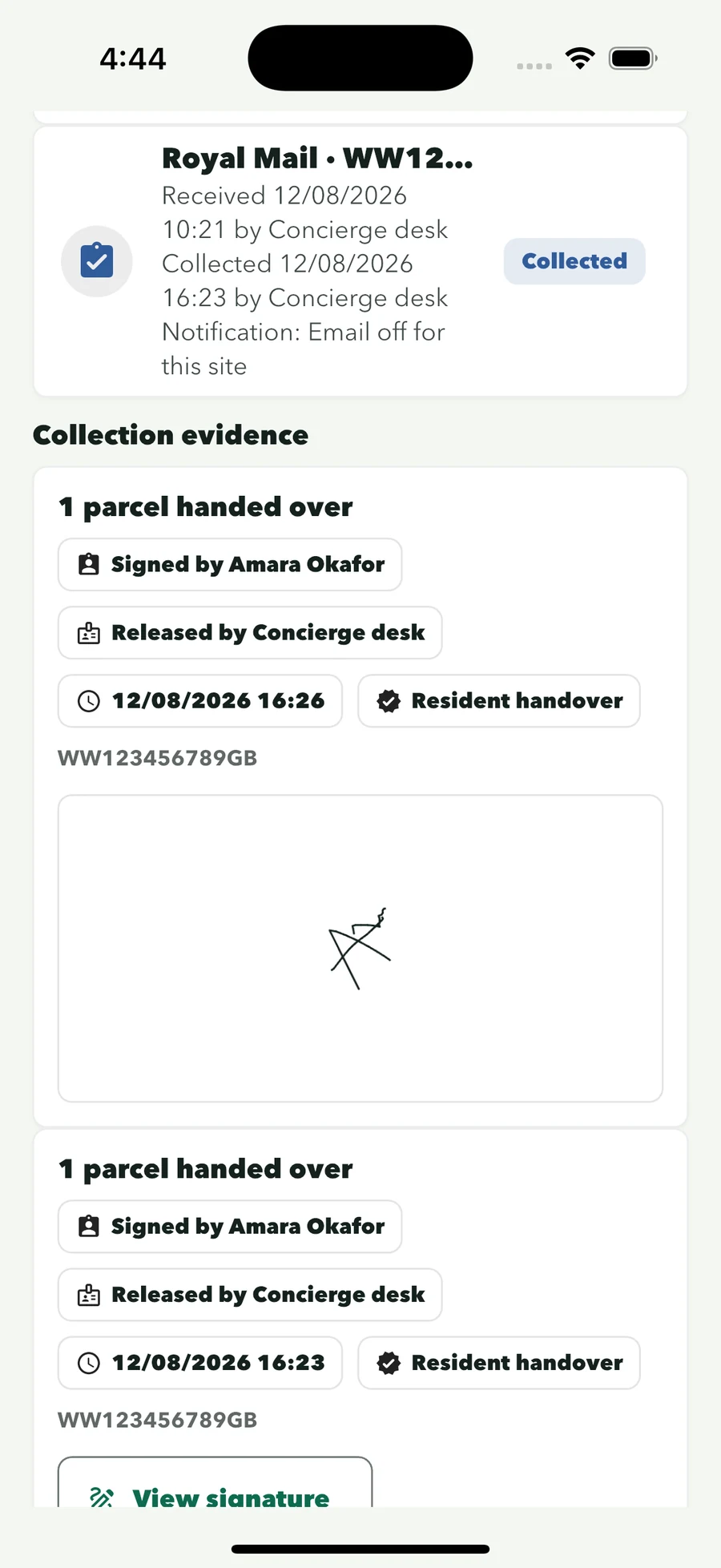
The collector signs on the reception device; collector, time and staff member are kept.
Parcel room or lockers?
A staffed parcel room takes parcels of any size and gives a signed handover. Lockers help when nobody is on the desk. If your building has a concierge or reception team for most of the day, software for the room is often the place to start.
The record behind the room
Received and collected actions stay connected, so the desk can check a parcel’s history from the device instead of from memory.
See Parcel Desk in fullSearch by resident, parcel, status or activity date.
The captured signature is one tap away.
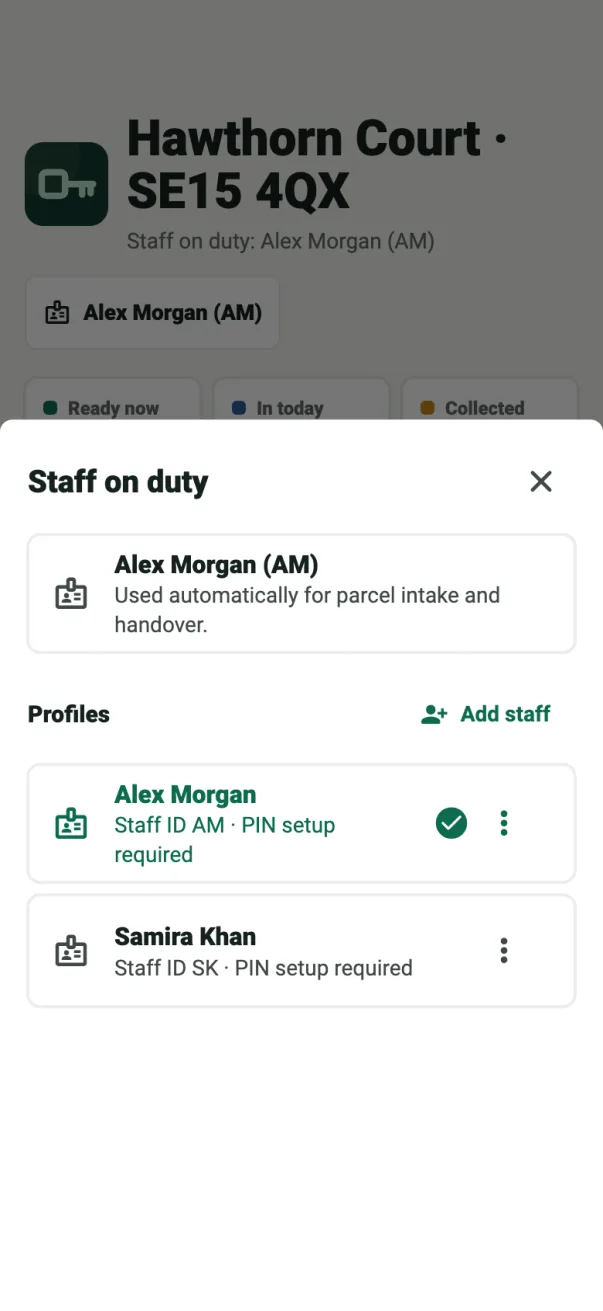
Every intake and release shows who handled it.
Incoming staff pick their profile; the queue carries over.
Keep reading
Guide
The daily routines that keep a staffed parcel desk moving.
Read the guideGuide
Notification options, signed collection and the data kept with every parcel.
Read the guideGuide
Logging, holding and releasing parcels at a residential reception desk.
Read the guideSolution
Parcel Desk, Key Desk and the visitor log for staffed residential desks.
For residential buildingsCommon questions
Practical answers for buildings with a staffed parcel room or post room.
It is how a building receives parcels into a parcel room, post room or storage area, keeps track of what is waiting for whom, and hands each parcel to the right person with a record of the collection.
Not hardware. ConciergeDeck is software that runs on a supported iPhone or Android device at the desk and works with the building’s existing shelves and storage procedure. No lockers, kiosks or specialist scanners are required.
It depends on staffing. A staffed parcel room handles any parcel size and gives a signed handover; lockers help when nobody is on the desk. Some buildings use both. Our lockers comparison covers the trade-offs.
Every waiting parcel is in a searchable ready queue by resident name, flat or parcel details, so staff know what they are looking for before they open the door.
Staff review the suggested resident at intake, then confirm the collector and capture a signature at release. The record keeps the collector, time and staff member together.
Yes, if the building chooses. Resident parcel email is optional, set per site and off by default, and sends from the site’s own connected mailbox. Individual and batch notices are included from the Professional plan.
Yes. Intake, search, collection and records work the same with resident email on or off.
The reception device stays signed in to the building. The incoming member of staff selects their own profile, and the parcel queue carries over unchanged.
No reception PC is needed. The core desk workflow remains available on the site device during an internet interruption.
Plans start at £59 a month for 2 sites and 2 devices, and every plan includes Parcel Desk, Key Desk and the visitor log. A first subscription starts with a 30-day free trial.
Run the parcel room from the desk
Create the owner account, connect the site and log real deliveries and signed collections with your team.