Guide · The resident side
Resident parcel management: what a modern building actually needs.
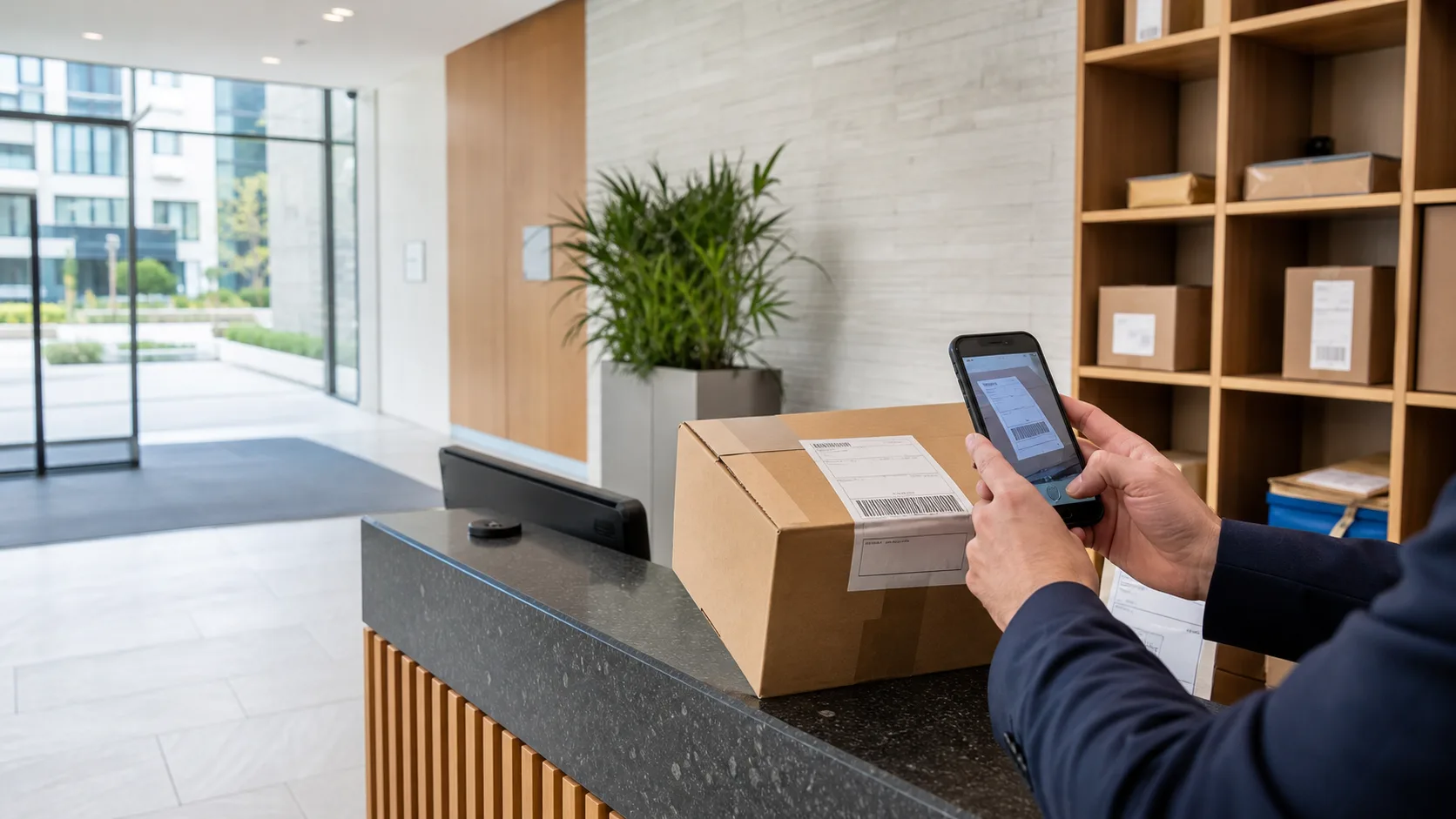
Residents judge a building’s front desk on two questions: did you keep my parcel safe, and did you tell me it arrived? The systems behind both answers are simpler than they look.
Runs on a supported iOS or Android device. No parcel locker or specialist scanner required.
The resident experience
A parcel arriving is a small test of the whole building.
It tests whether the desk knows who the resident is, whether someone can be told in time, whether the parcel is findable when they come down, and whether the handover leaves both sides sure of what happened. In buildings that still run on paper sheets and corridor cupboards, that test fails a few times a week. Resident parcel management is the set of routines that make it pass consistently.
- Identified at arrival
The recipient is matched to the building’s directory, not guessed from a scrawled surname.
- Notified when enabled
The desk sends a notice from the building’s own mailbox — a site choice, not a requirement.
- Collected with proof
The collector, time, staff profile and signature stay with the record.
- Answerable afterwards
“Did you have it?” is answered from the record, not from memory.
Notification
Resident email is a building decision, not an app feature that runs itself.
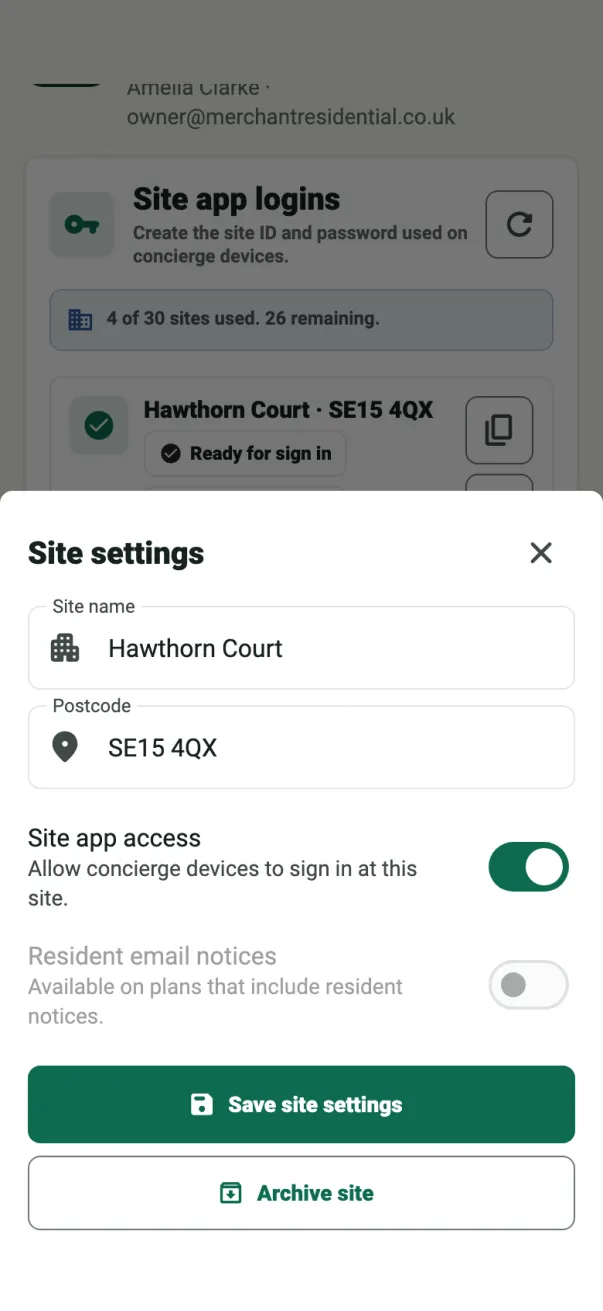
Some buildings want every resident emailed the moment a parcel lands. Others deliberately do not hold resident contact data. ConciergeDeck treats the choice as a site policy: the owner switches email on per site, and the desk connects the building’s own mailbox — Outlook, Gmail or a custom SMTP account. Notices then come from an address residents already recognise. When email is off, intake, collection and records continue unchanged.
- The owner allows the site
Email is enabled per site from the owner dashboard, where the plan allows it.
- The desk connects a mailbox
Sign in with Google or Microsoft, or enter SMTP details in the app.
- Notices are reviewed before sending
Waiting notices appear on the desk, where staff review and send them.
Collection
Collection is the moment residents remember.
A quick, confident handover is what residents describe when they recommend the building to friends. ConciergeDeck keeps the waiting parcel findable in seconds and records the release with the collector’s signature — so a neighbour collecting on behalf of a household is recorded by name, and the resident knows exactly who took it.
- Findable
Search the ready queue by resident, flat or parcel details.
- Collector recorded
Any authorised person can collect; the record names them.
- Proof captured
Signature, time and staff profile close the handover.
The record
What is kept with every resident parcel.
Parcel records hold what the operation needs: the recipient and flat, arrival time and staff member, notification status, collection time, collector and signature. Resident contact details stay inside the building’s own site data. There is no third-party advertising data collection, and no resident app is required.
- Recipient and household
Matched against the site directory at intake.
- Full handover chain
Arrival, notification, collection and signature in one history.
- Searchable history
Staff can answer “when was it collected and by whom” in a moment.
Common questions
Questions residents and owners ask.
Do residents need to install an app?
No. ConciergeDeck is operated by the owner and authorised building staff. Residents collect at the desk and can sign on the reception device.
How are residents told a parcel has arrived?
When the building has resident email enabled, the desk sends a notice from the building's own mailbox. The setting is per site and off by default.
Can a household nominate someone else to collect?
Yes. Collection records the actual collector and their signature, so a partner, neighbour or family member can collect with the parcel released to them by name.
What happens to resident parcel data?
Parcel records hold what the desk needs: recipient, flat, arrival, collection, collector and staff profile. Parcel email uses the building's own mailbox, and resident contact data stays within the site.
Can parcels be refused at intake?
Yes. Staff can decline an intake, and the record keeps the refusal attached to the parcel rather than losing it entirely.
How long is the parcel history kept?
Received and collected records stay searchable for the site, so staff can answer questions about arrivals and handovers from the current season or the last one.
Put ConciergeDeck on the desk
See what a resident parcel operation looks like in one week.
Start a 30-day trial, connect a site and run the full intake-to-collection flow.